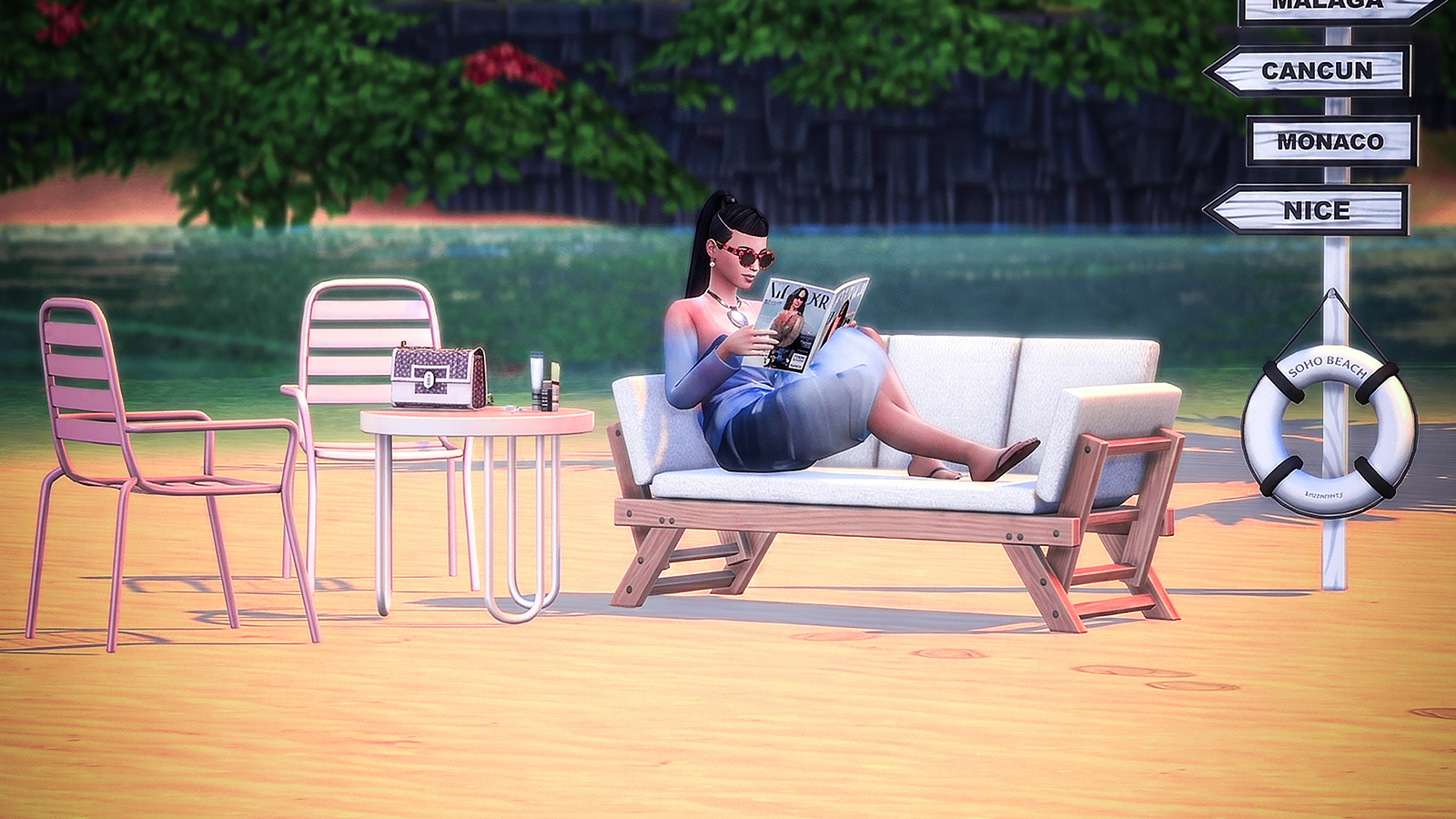
SOL FAVOR
Summer 2026 beach vibes. Now on Patreon.

NESTESSENTIALS
The series is in full swing. Available on Patreon.

Summer 2026 beach vibes. Now on Patreon.
The series is in full swing. Available on Patreon.
Whether you are a seasoned builder or a storyteller, knowing the right shortcuts can transform your Sims 4 experience. While we focus on high-end 3D assets and minimalist furniture at PacoSims, we know that sometimes you just need a little extra help to build that dream mansion.
Here is our curated guide to the most essential cheats you need for your next session.
Before you can start “bending the rules,” you need to open the cheat window.
Ctrl + Shift + C simultaneously.Building with premium PacoSims assets requires a solid budget. If your Sim’s bank account isn’t quite there yet, use these:
Money 100000).Note: You must have testingcheats true active for the Money command.Our favorite part! To place furniture with pixel-perfect precision and ignore the grid:
To unlock advanced interactions like teleporting or adjusting needs, type testingcheats true first. Once active, you can Shift + Click on Sims or objects to:
When using the bb.moveobjects cheat with our custom furniture sets, you can create incredibly detailed minimalist interiors that look like professional architectural renders.
Ready to start building? Head over to our [Shop] to find the perfect furniture to match your newly unlocked Simoleons!
